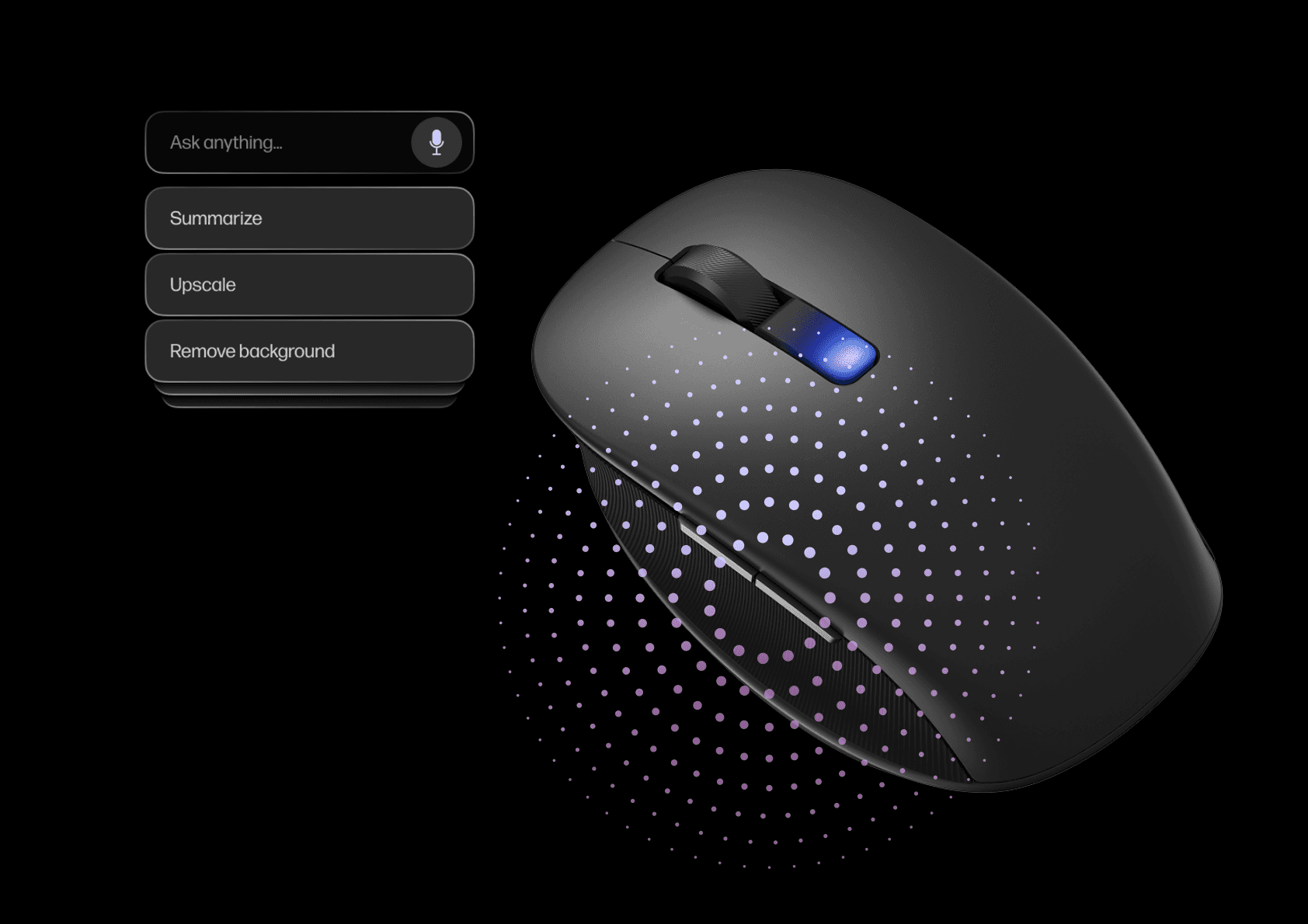
My Core Ownership
Mouse AI interaction model
Developed interaction patterns for voice + text input within the menu system
Designed context engineering framework for intelligent action prioritization
Built comprehensive AI action reference sheet and prompt taxonomy
Duration
3 months
Team
Lidi Fu (UX Designer)
Callum Buchanan (UI Designer)
Shaheer Ahmed (Developer)
Dominik Donocik (Lead Experience Designer)
OVERVIEW
Quick Context
LP Intelligence is a system-level effort to define how AI should behave across LP products.
My focus within this initiative was the Lumos AI mouse — exploring how intelligence can live at the input layer, rather than inside individual applications..
Instead of building another AI app or assistant, the goal was to design a mouse experience that:
understands what the user is doing
surfaces the right tools at the right moment
works across applications
and disappears when not needed
THE PROBLEM
Productivity friction lives between applications
Modern work constantly moves across tools — copying, transforming, summarising, and reusing content.
These moments introduce friction:
frequent app switching
repetitive copy–paste actions
hunting through menus for the right tool
AI features buried inside apps or chat panes
Most AI tools today live inside applications, forcing users to break flow and adapt their behaviour.
What if AI lived at the point of intent — where selection and action already happen?
DESIGN INTENT
Streamline everyday workflows without creating new ones
The mouse has to bridge a gap and not create new pathways
The mouse experience was guided by a few clear ideas:
Work where users already work
No new destinations, no mode switching.
Exist between apps, not inside them
Support cross-app workflows rather than replicating app features.
Be contextual, not comprehensive
Fewer options, chosen well.
Stay transient
Appear when useful, disappear immediately after.
RESEARCH
One button, many intents
I explored how a single AI button could support multiple intents without modes.
Key insight:
Pressure + gesture can express intent.

Tap - Interaction 1
Request contextual actions based on object selected or active window
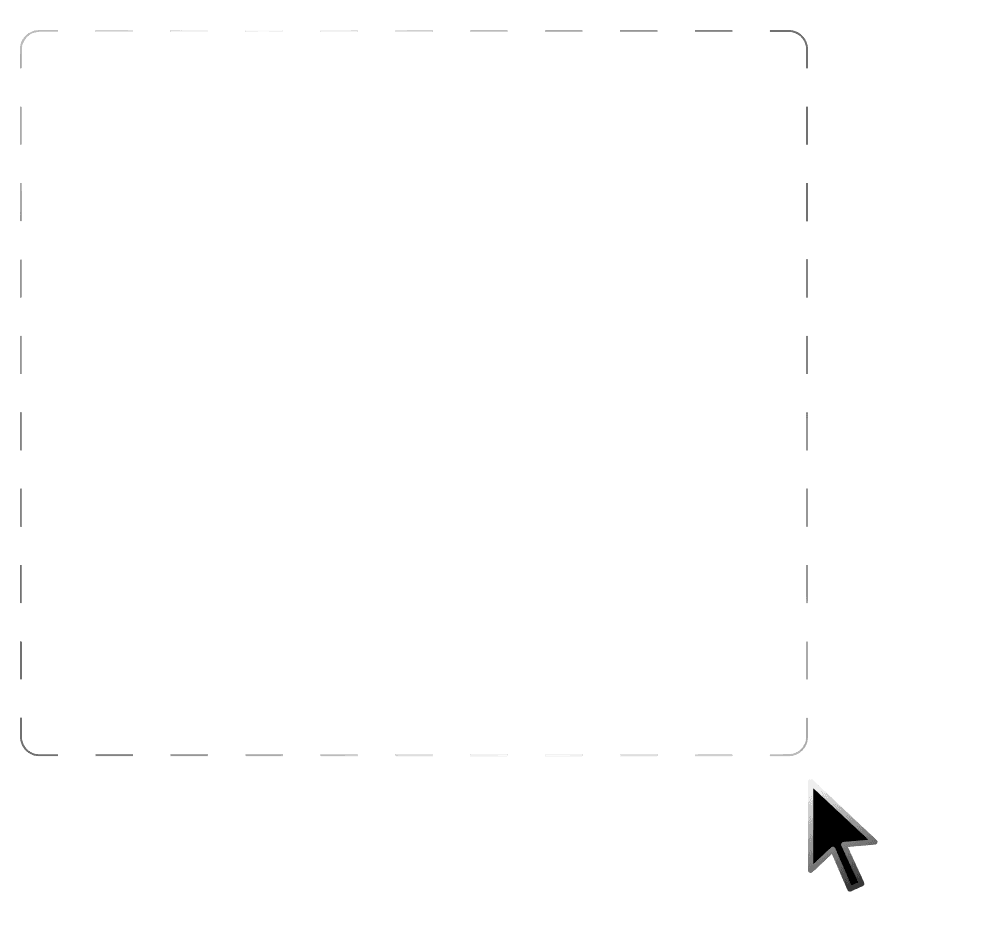
Tap + Drag - Interaction 2
Snip a specific portion of the screen to generate contextual actions
DESIGN DECISIONS & CORE WORK
Intelligence at the input level
The mouse becomes a context-aware gateway, not a destination.
A context-aware micro-interface that emerges from the mouse itself, providing intelligent shortcuts and AI-powered actions based on:
What you've selected (text, image, multimodal content)
Where you are (active application and workflow)
What you're doing (current task and historical patterns)
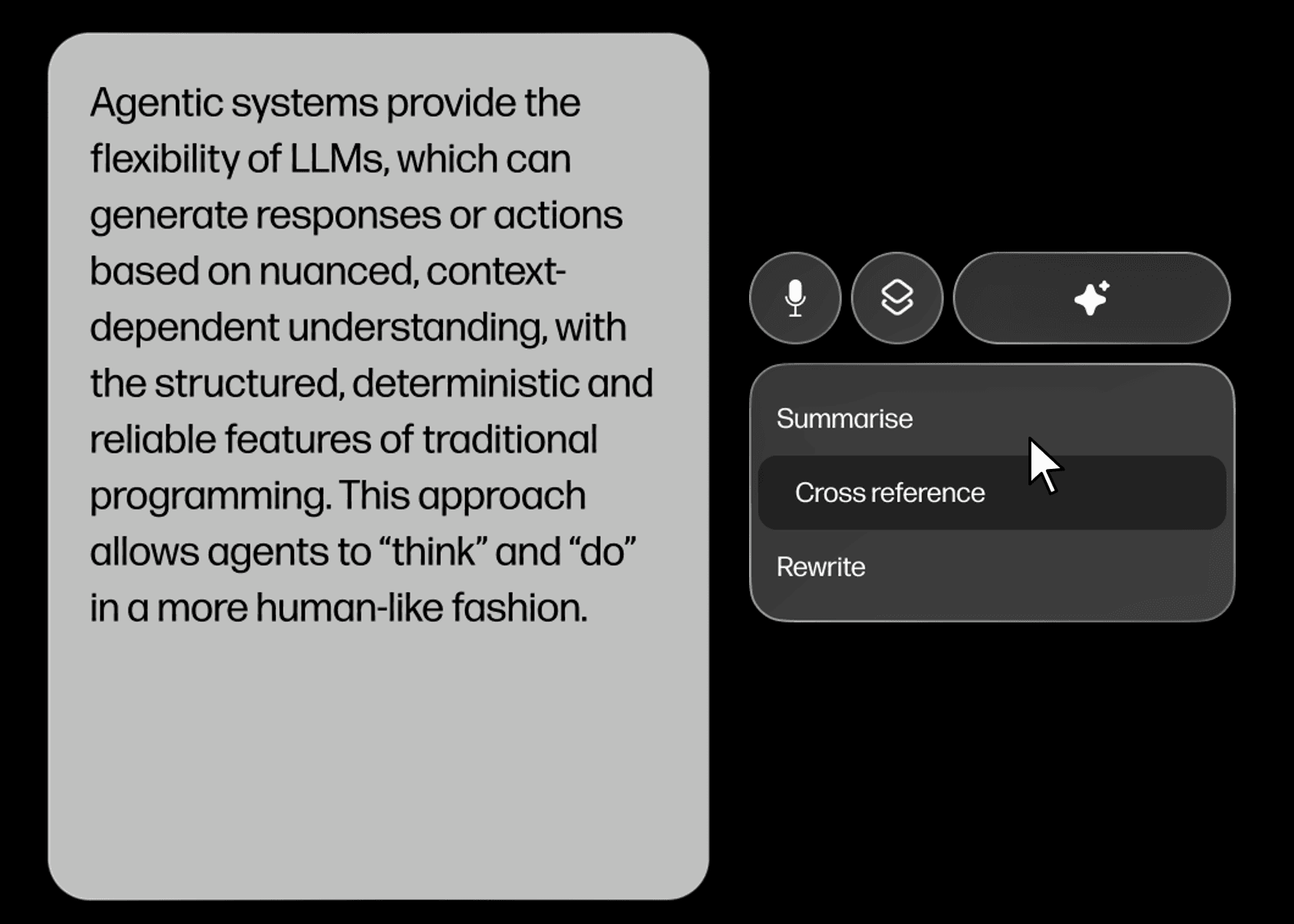
Picking up text or images
Users can select content across any app and trigger relevant AI actions directly from the cursor.
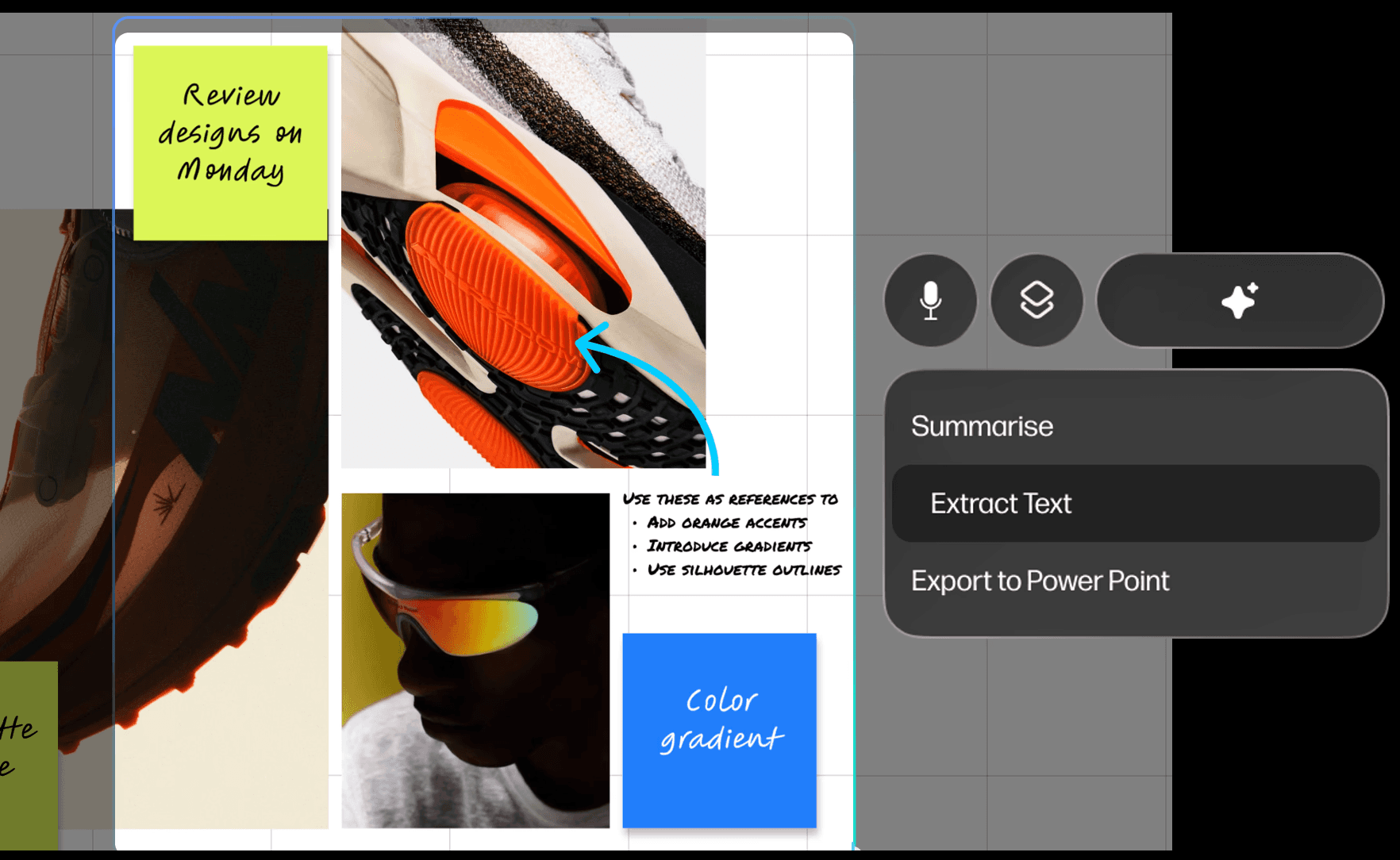
Marquee selection
A lightweight capture tool enables multimodal input (image + context), unlocking richer AI suggestions.
Cursor-First, Transient UI
Because the mouse is not an app, the UI needed to be:
embedded at the cursor
visually distinct from the app underneath
transient by default
Two menu directions for the mouse were explored
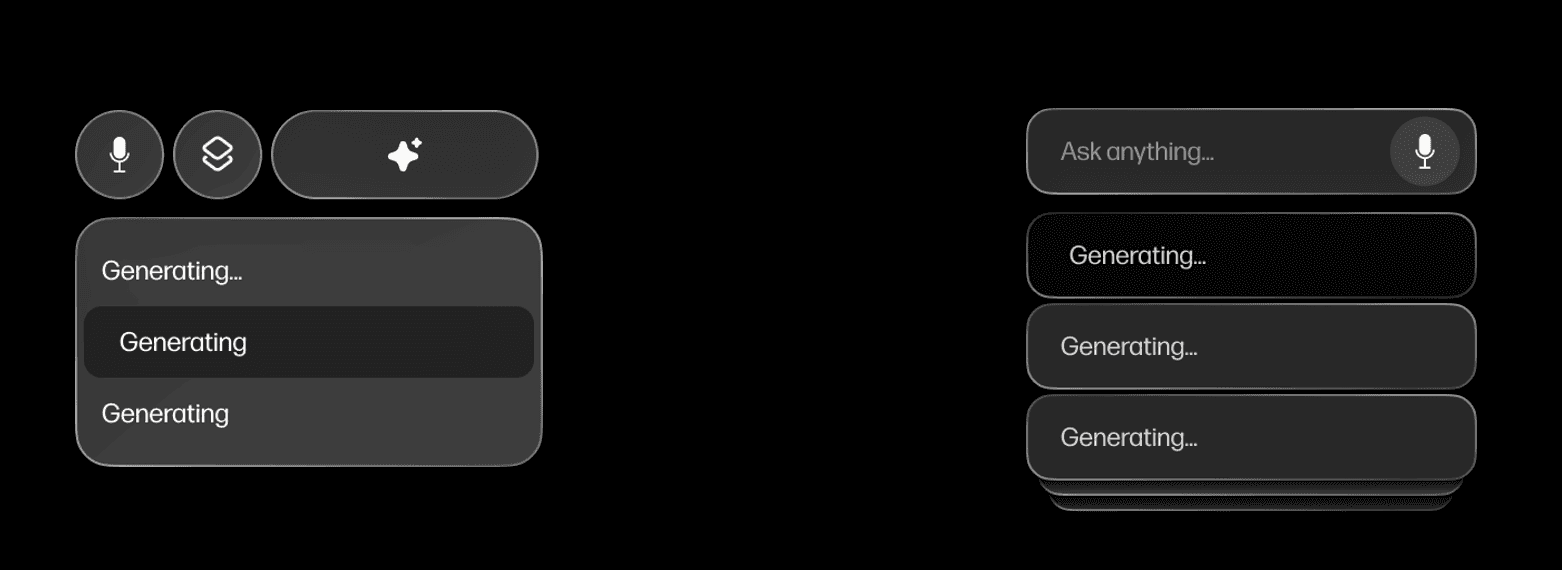
Route 1 - Tabbed Menu
A structured approach separating input, AI actions and app shortcuts
This offered clarity, but added friction for quick interactions by requiring explicit navigation.
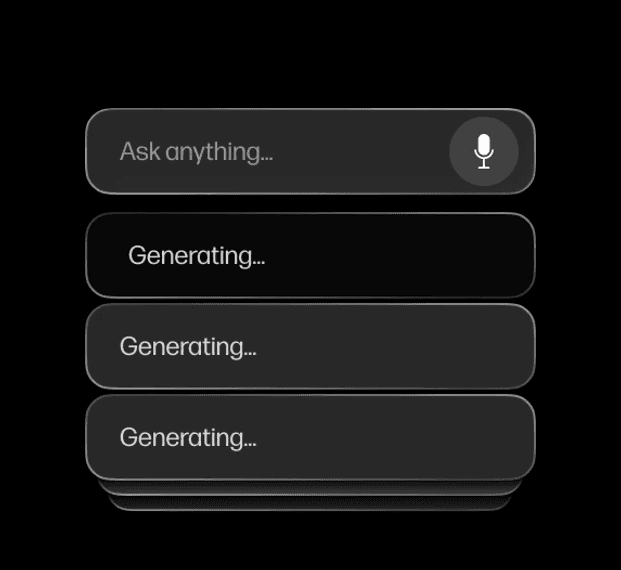
Route 2 — Dynamic Menu (Preferred)
A single adaptive menu that prioritises the most relevant actions based on context and reveals more options progressively.
This route aligned better with the goal of keeping the AI lightweight, fast, and responsive to intent.
Menu Structure
By removing explicit navigation and relying on context instead, the menu is faster, more responsive and scalable across multimodal.
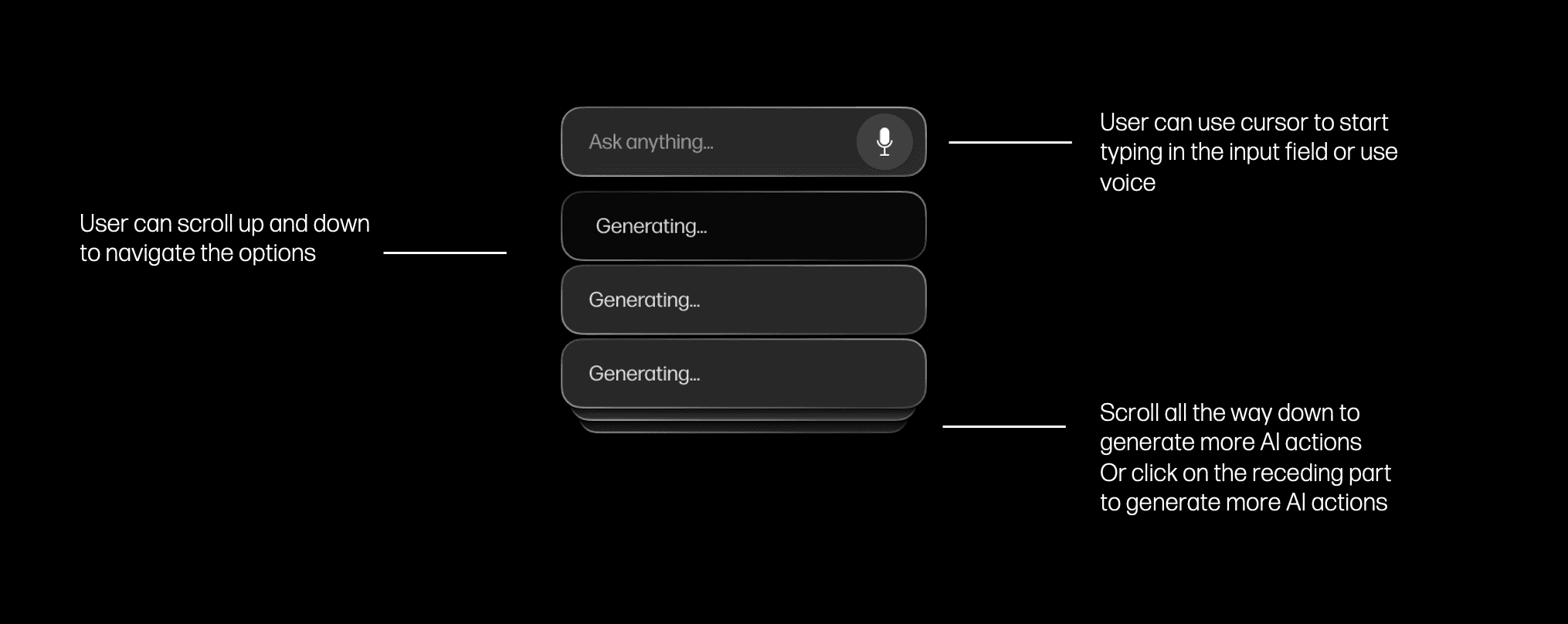
Menu Transformation
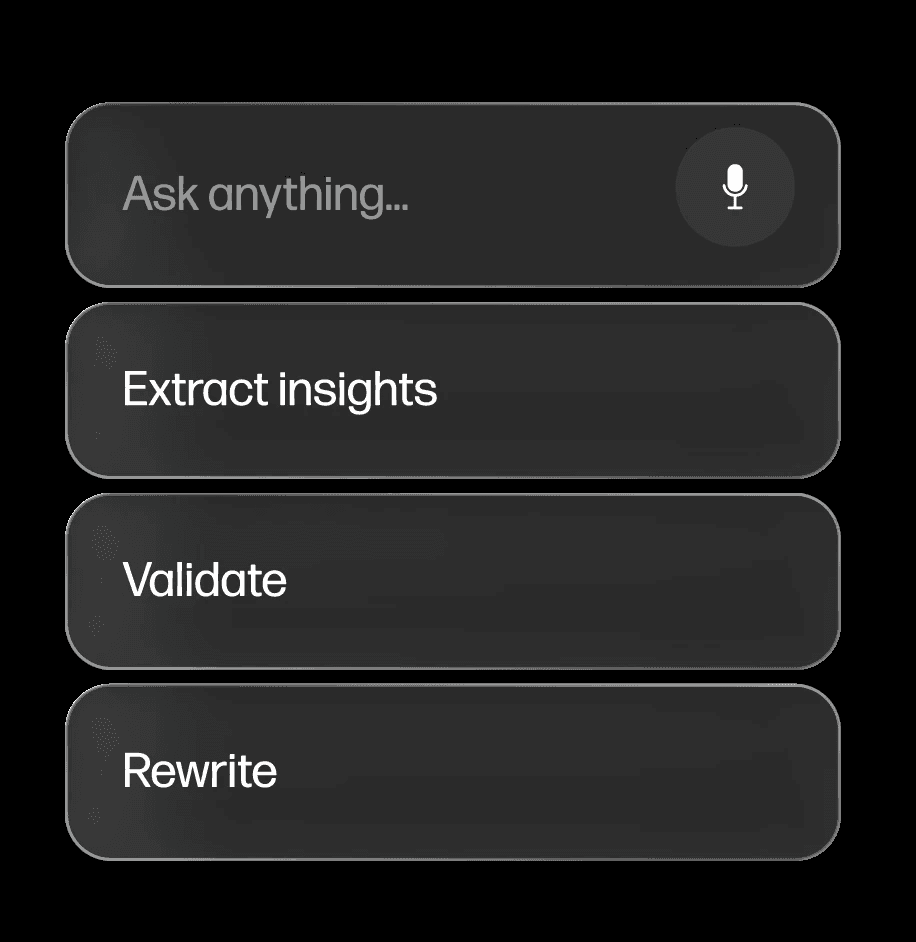
Input is designed to be flexible and optional
Voice and text feed into the same system logic, allowing users to move fluidly between input modes without changing tools or context.
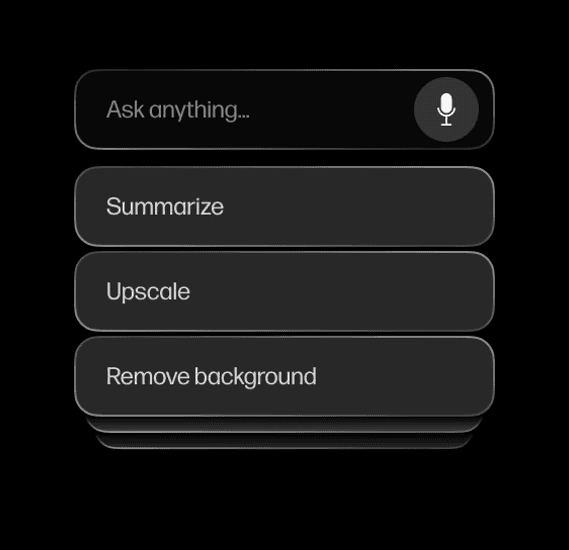
Hover over input field
User can also choose to type or speak
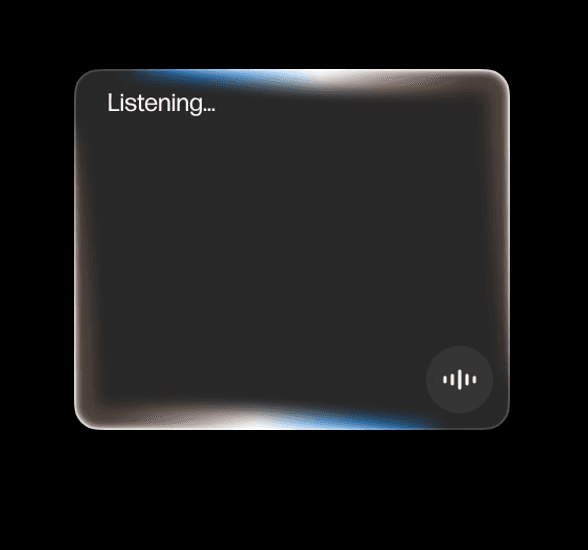
Long press to speak
AI starts to listen and transcribe
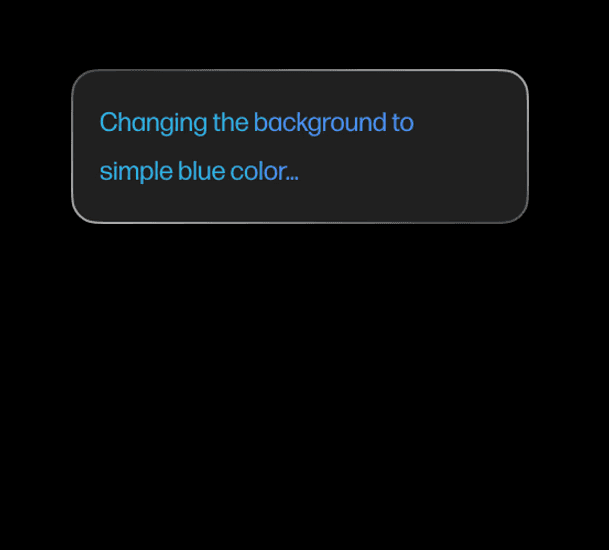
Analysing
AI reads the prompt and performs action
Context Engineering Framework
To ensure relevant actions appear consistently, I designed a three-tiered hybrid system that balances reliability, intelligence, and personalization.
Users always see the most relevant 3-5 actions first, with the ability to scroll for more. The menu feels curated, not overwhelming.
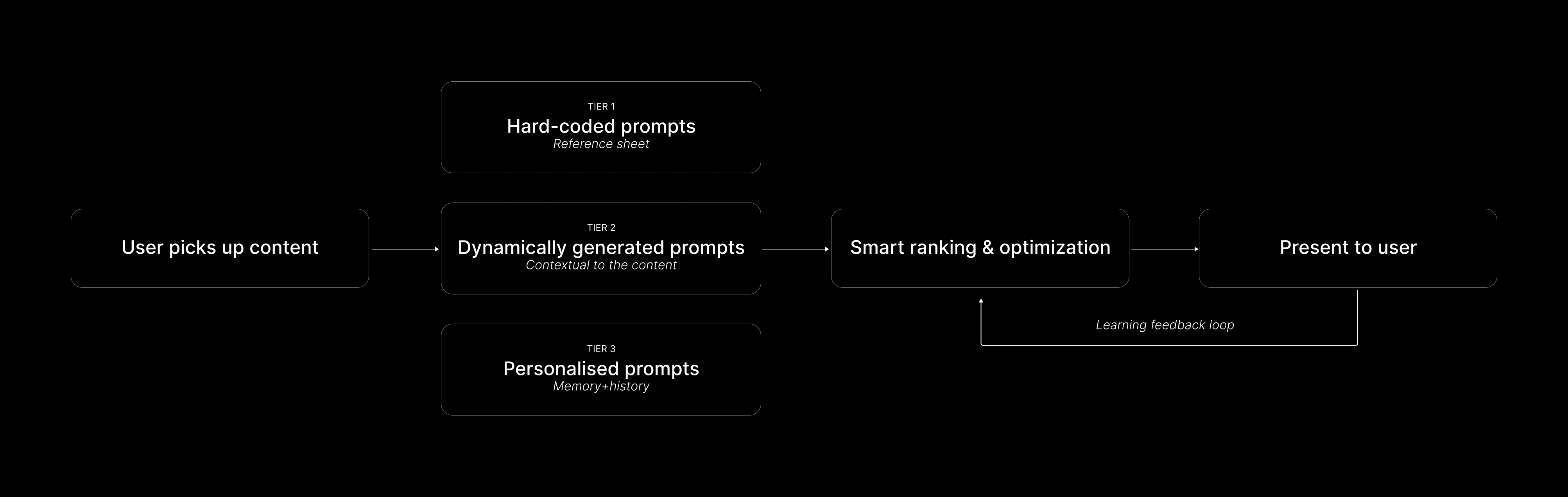
Hybrid Tiered approach
Transient Memory (Baseline)
Limited to specific task/session
Generic, task-specific AI assistance
Example: "Summarize" (works for any text selection)
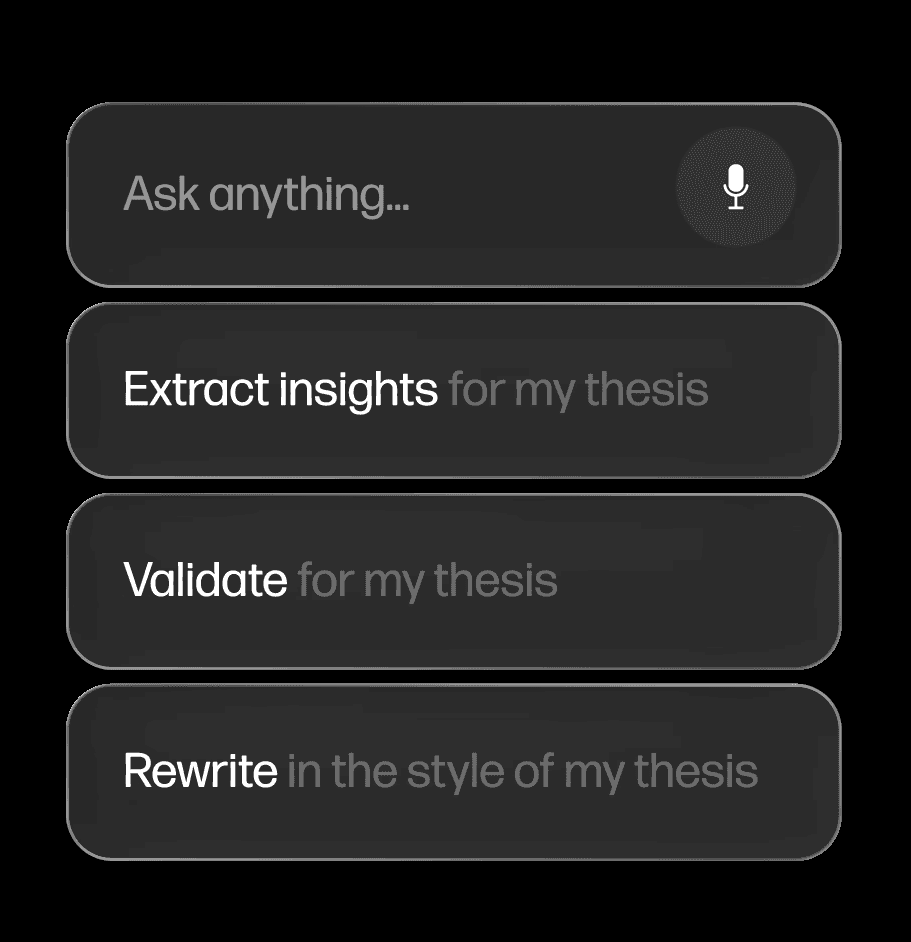
Long-Term Memory (Personalized)
Understands user's context, role, goals, preferences
Adapts prompts based on known information
Example: "Summarize for CES deck" (knows user is preparing presentation)
Mapping the Mouse Experience
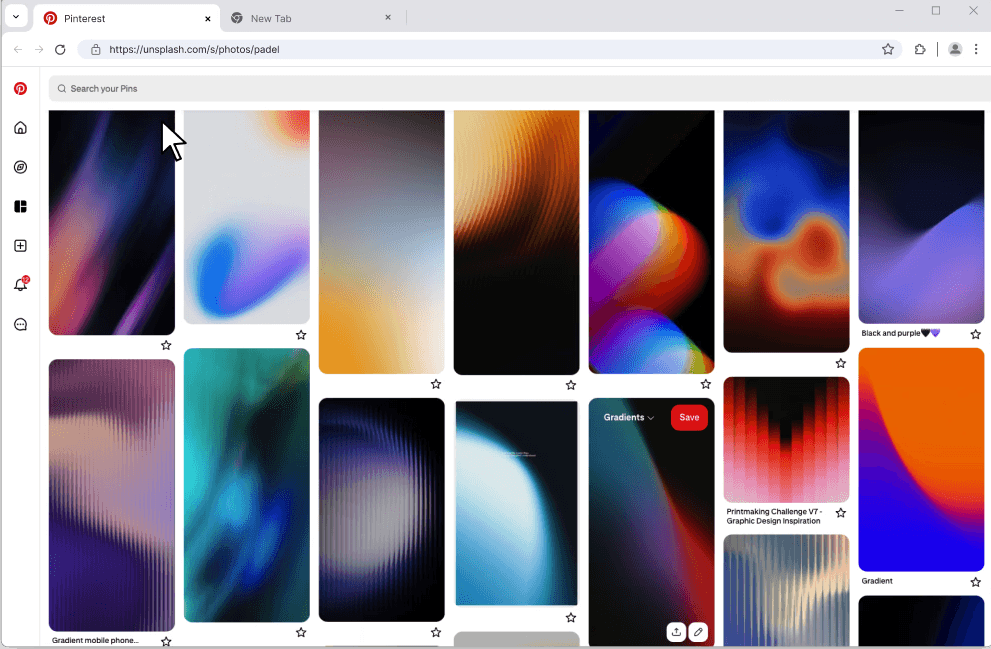
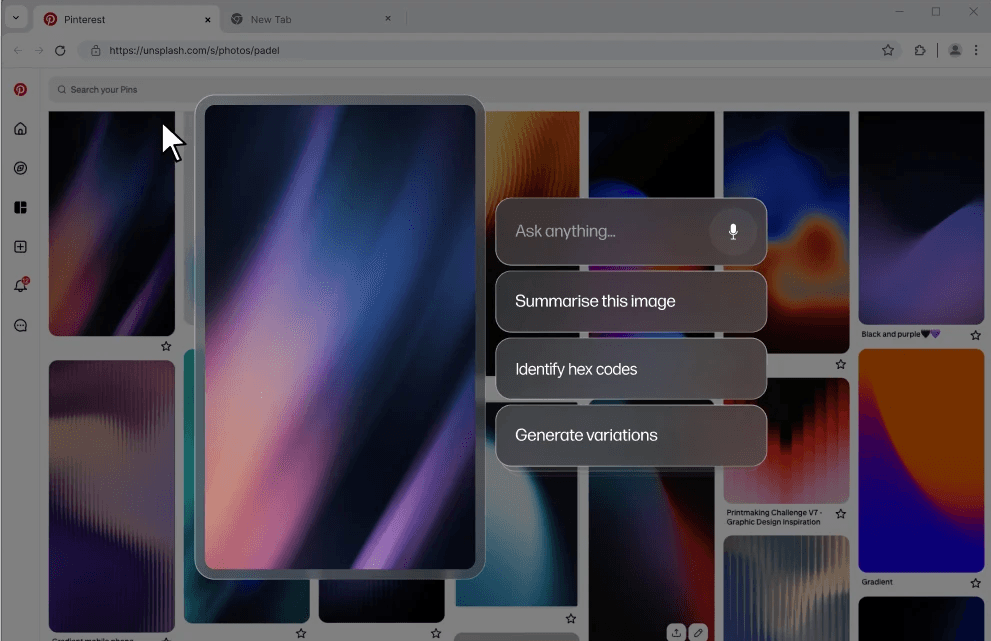
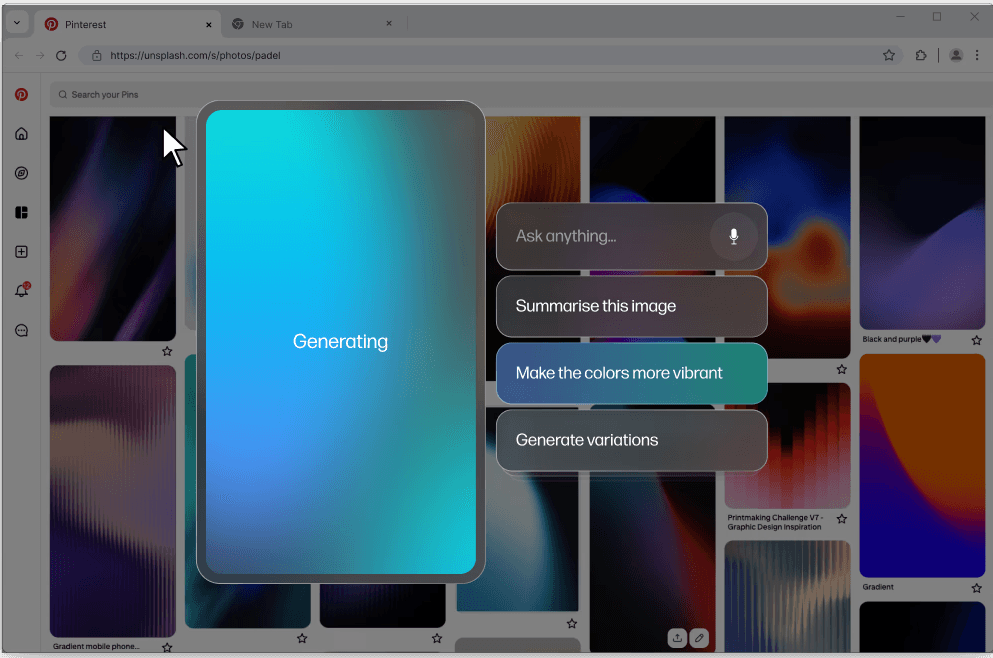
Object Selection → Contextual Actions
When text or an image is selected:
user taps the AI button
a focused Gen-UI menu appears
actions adapt to the object type
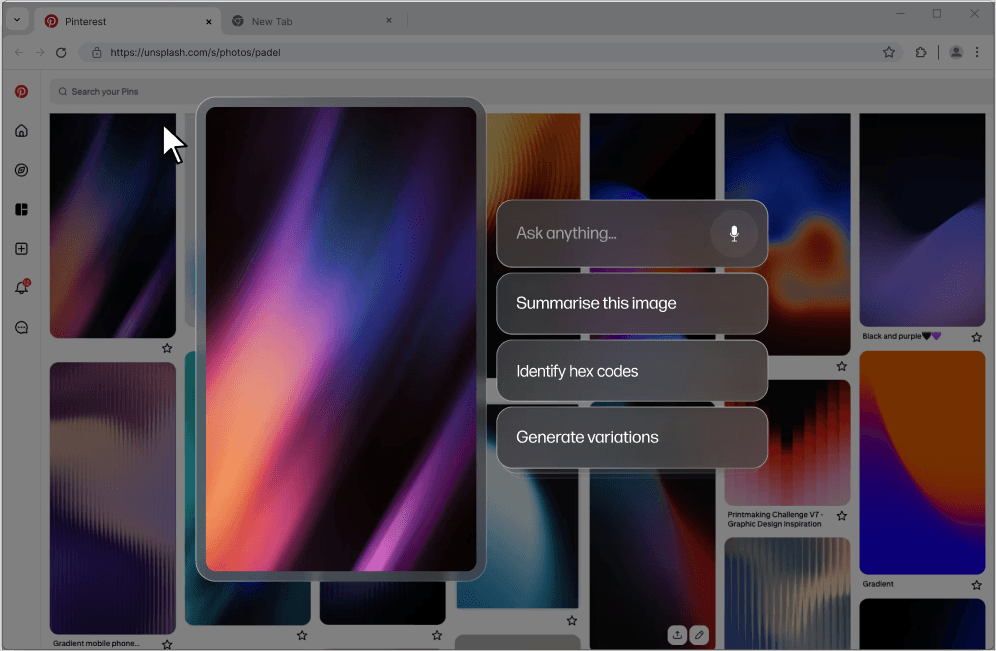
Mapping the Mouse Experience
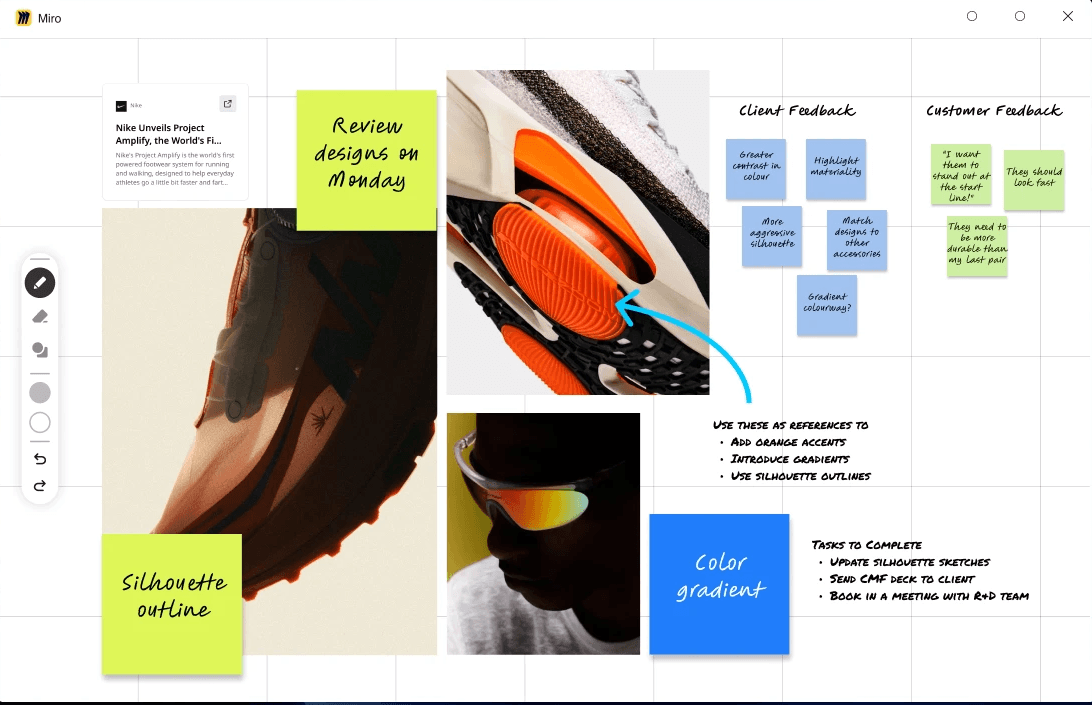
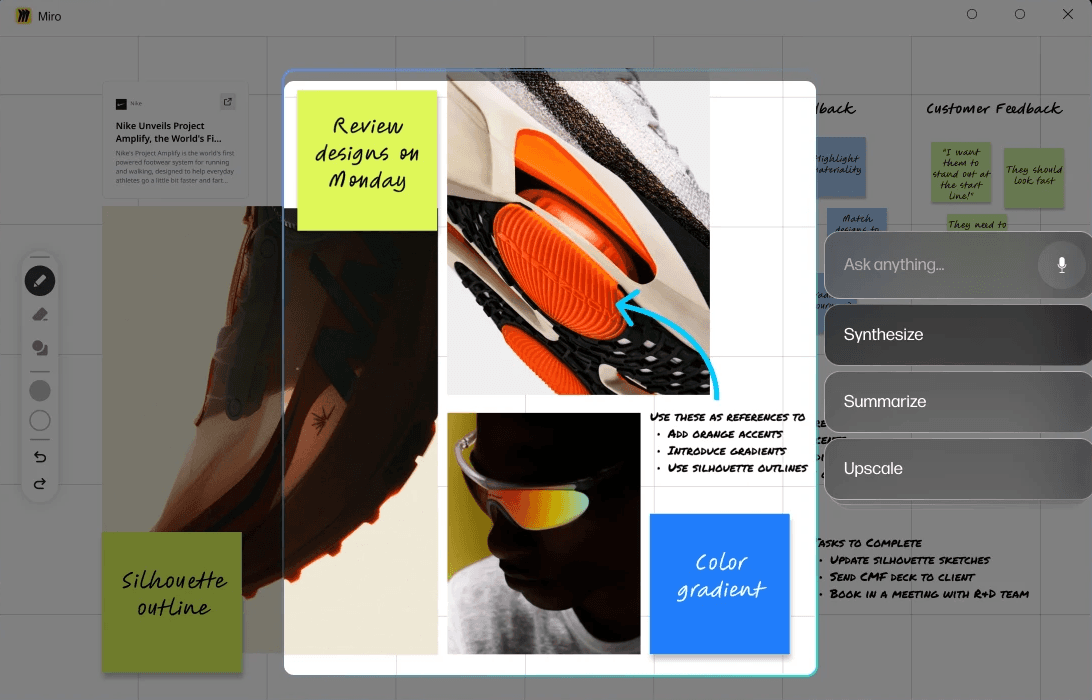
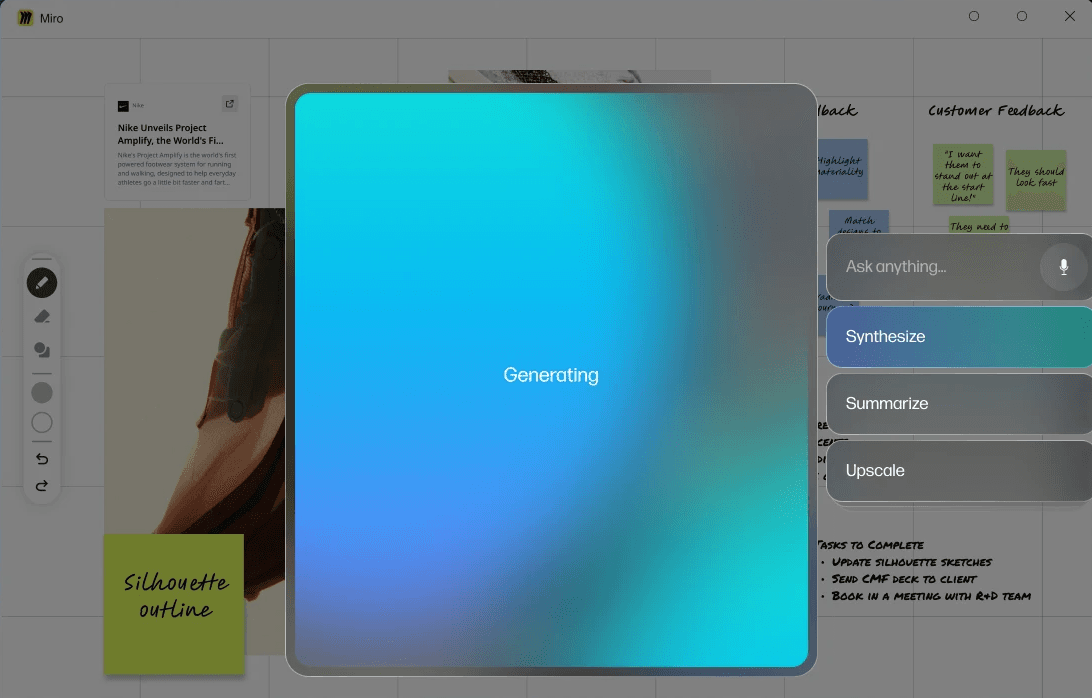
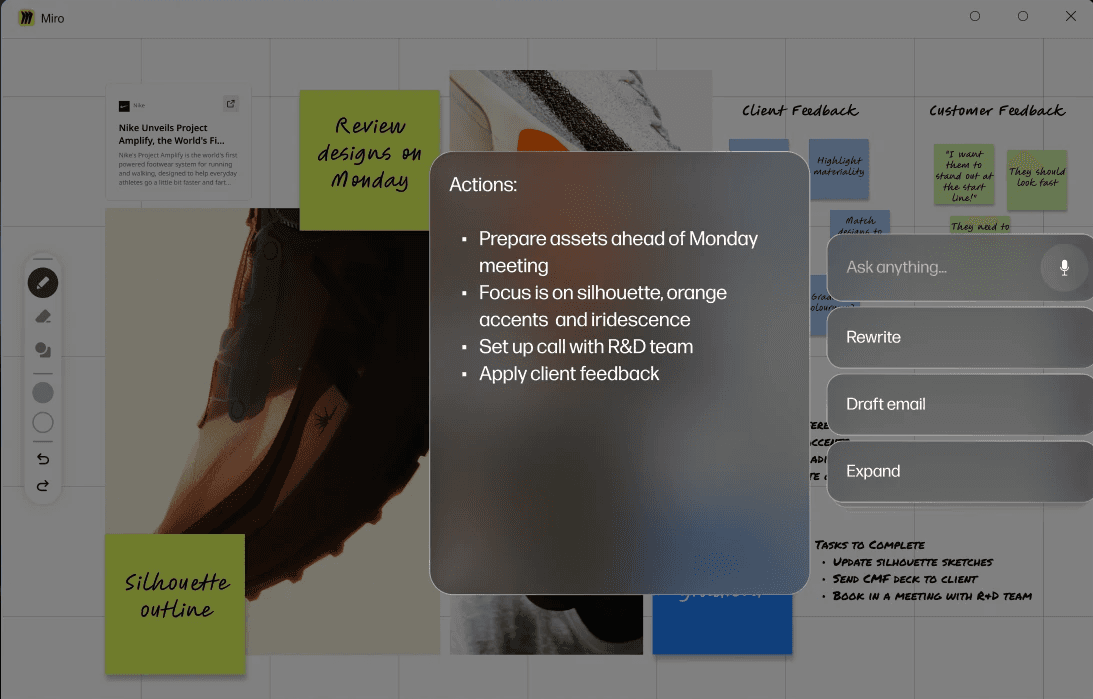
Marquee Capture → AI Augmentation
When the user presses and drags:
a region is captured
AI analyses the content and relevant actions are suggested
user selects an option which AI performs
AI generates the results and generates additional prompts
IMPACT
Reflection
Designing the system mattered more than designing the UI
This project pushed me to think beyond screens and focus on how an AI system decides what to show, when, and why.
The interface became a surface expression of deeper logic around context, ranking, and prioritisation.
Context makes AI feel intelligent
Generic AI menus felt powerful but overwhelming.
Shifting toward context-driven suggested actions made the experience feel simpler and more helpful with fewer options.
Constraints led to clearer interactions
Working with a single primary entry point and limited physical controls forced discipline.
It resulted in a cleaner mental model and interactions that scale across different mouse variants.
If I had more time
Validate discoverability of the entry gesture
Test action relevance with real tasks
Explore deeper personalization rules